Smart Frecency Search
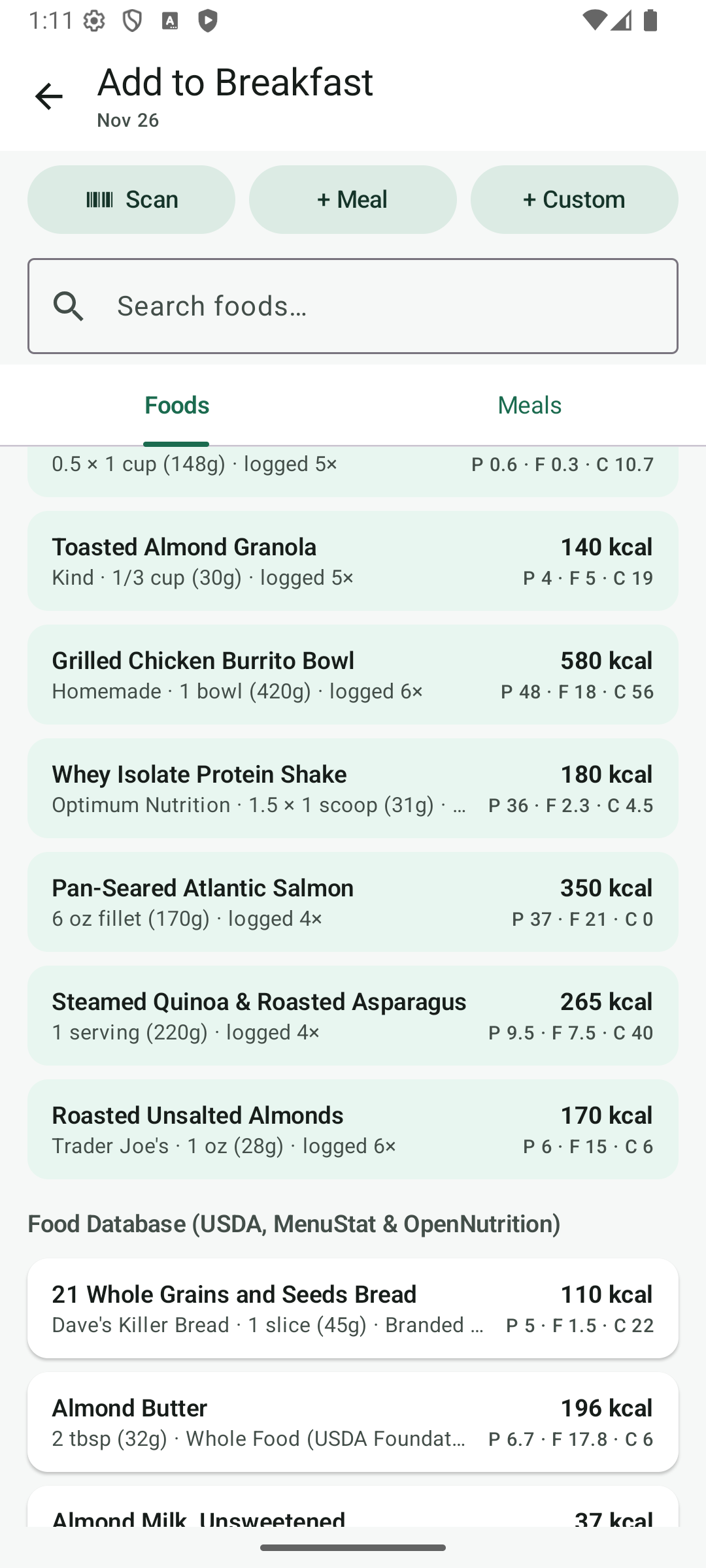
Surfaces your most frequently and recently logged foods first—remembering your last logged portion size—backed by USDA FoodData Central, Open Food Facts, and 38,000+ offline restaurant items.
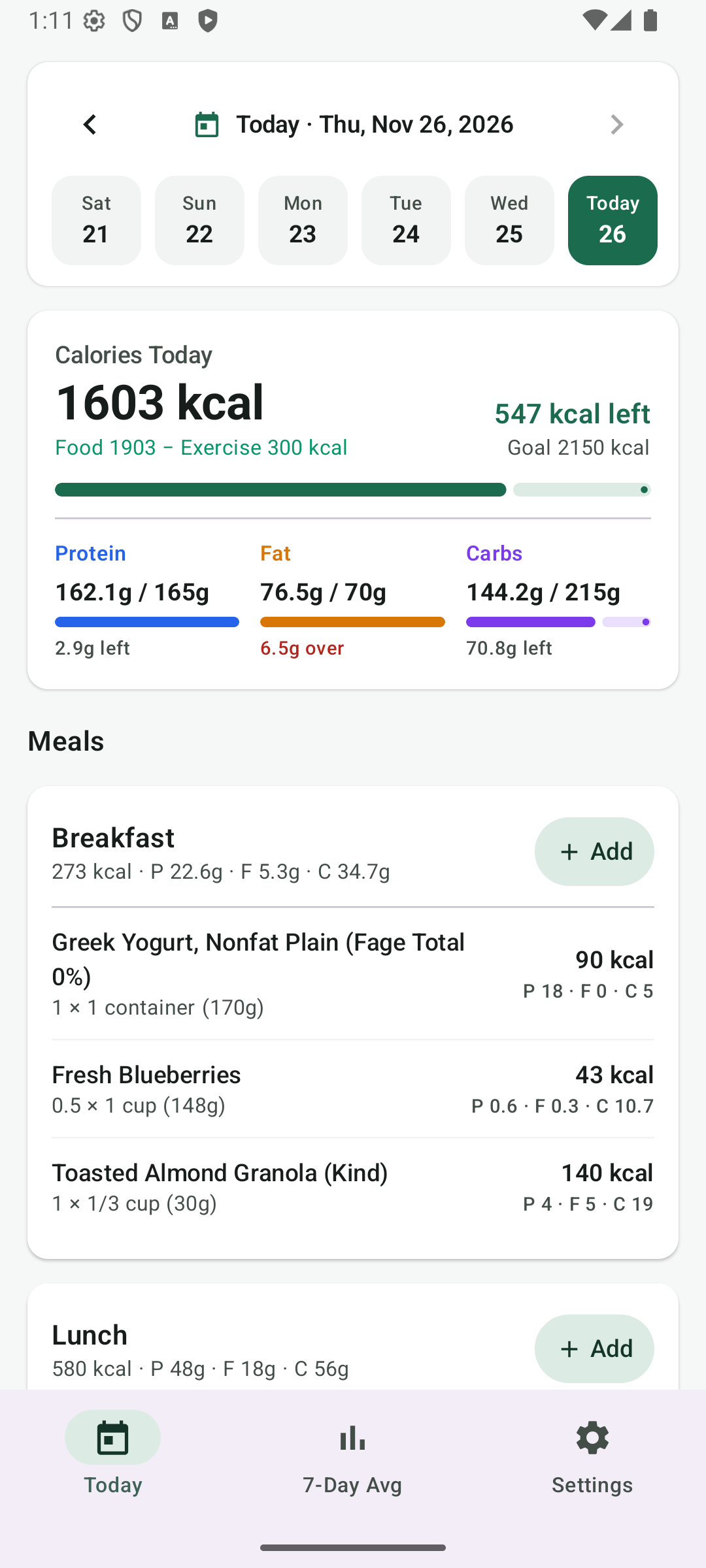
Tidbit makes daily calorie and macro logging effortless with instant frecency-ranked food search, barcode scanning, saved multi-item meals, 7-day rolling averages, and optional backup to your own Google Drive.
Clean Material 3 design built for fast daily logging—tap any screen to view full size.
No accounts required, no ads, and no clutter between you and your food log.
Surfaces your most frequently and recently logged foods first—remembering your last logged portion size—backed by USDA FoodData Central, Open Food Facts, and 38,000+ offline restaurant items.
Scan packaged foods directly on your phone using on-device ML Kit barcode recognition to pull verified nutrition facts in a single tap.
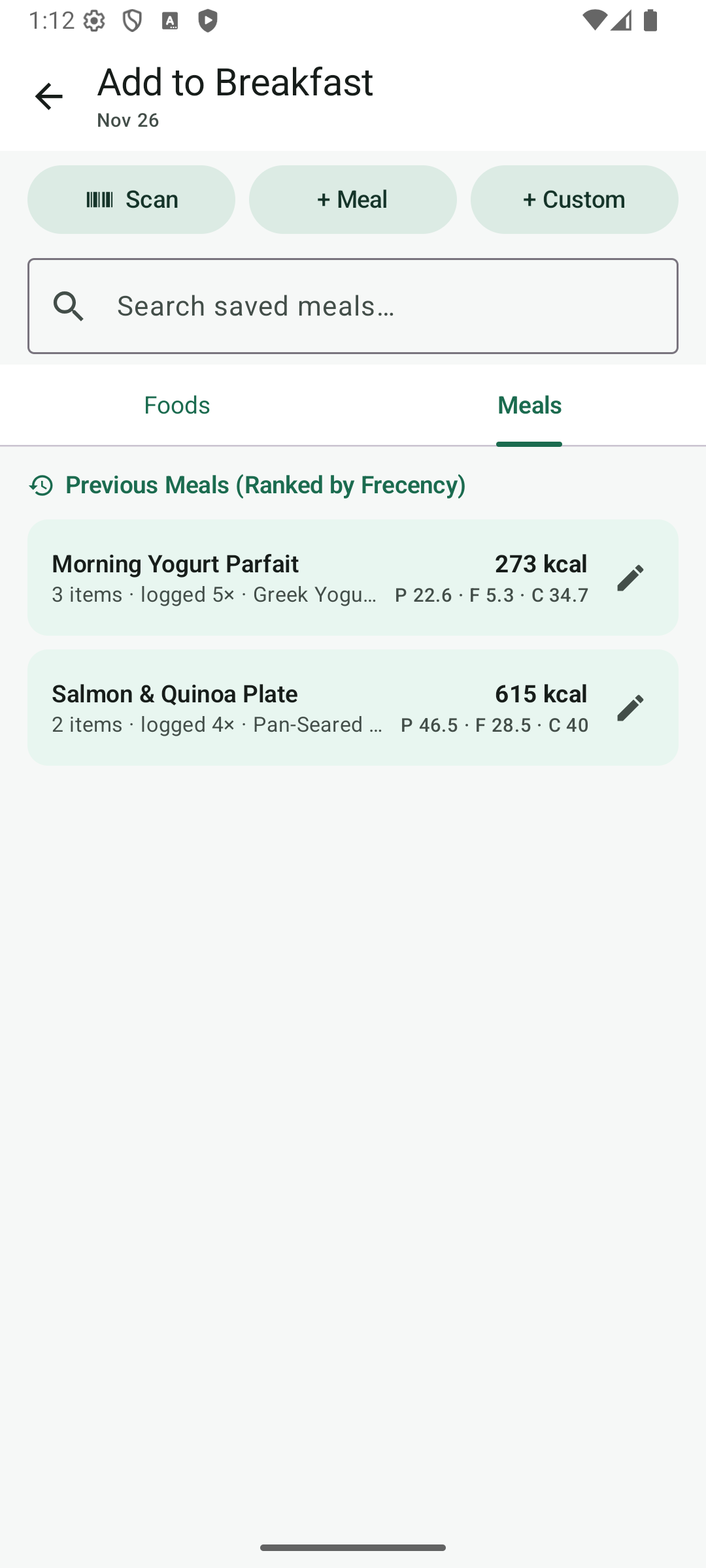
Group ingredients you eat together into reusable Saved Meals with live macro totals, or create custom food items tailored to your kitchen.
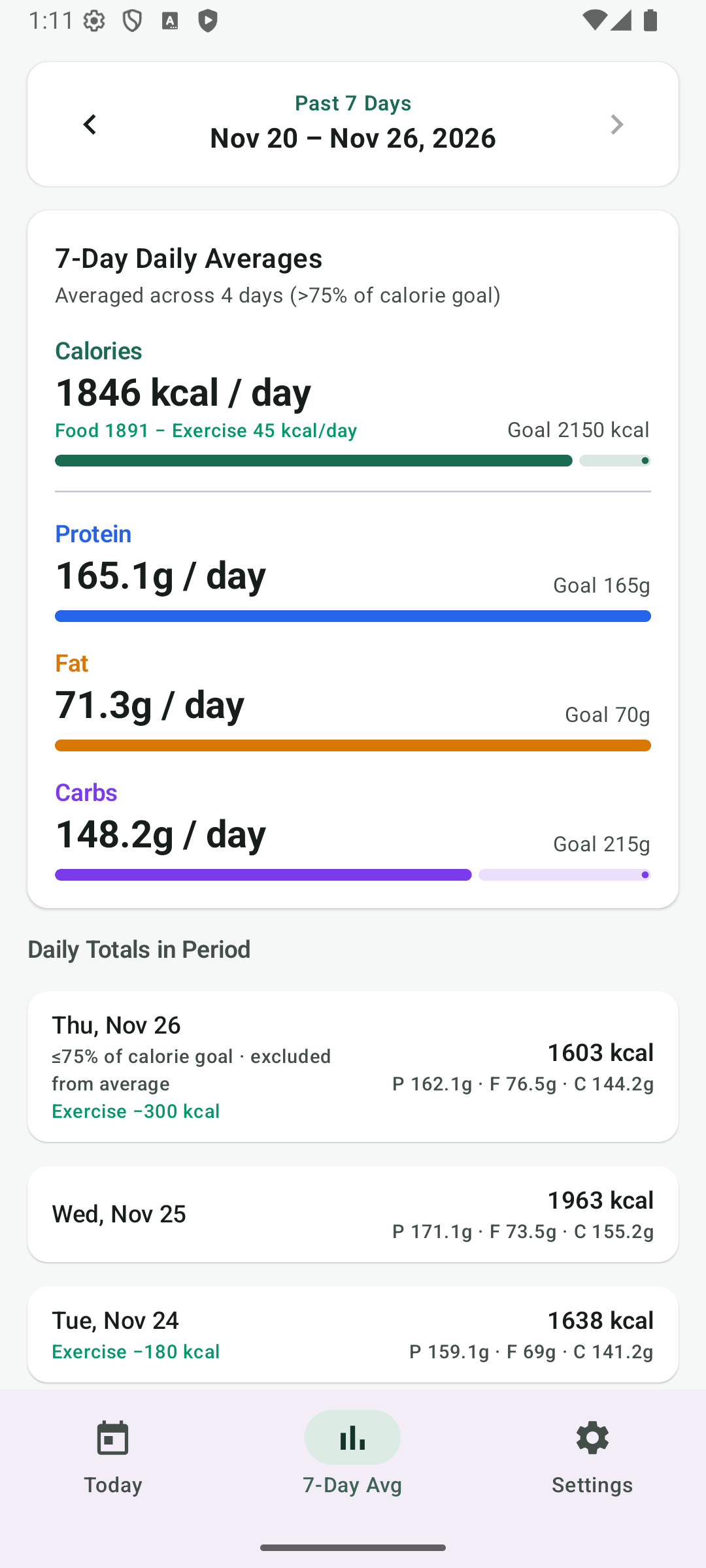
Review rolling 7-day calorie and macro trends that automatically exclude unlogged or partial days so your weekly averages stay meaningful.
Log workouts alongside Breakfast, Lunch, Dinner, and Snacks to track both gross food intake and net daily calories against your goals.
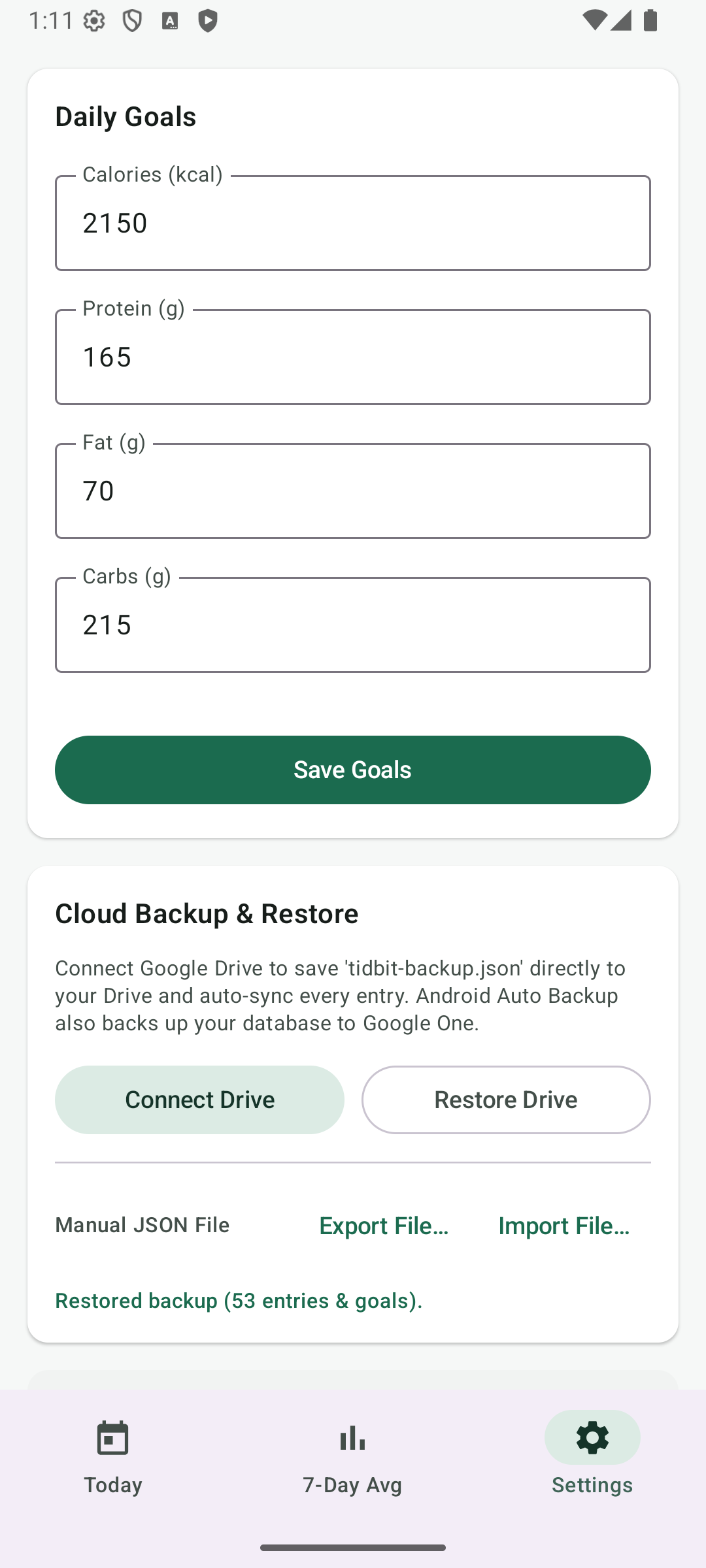
All logs live locally on your Android device, with one-tap JSON export/import and optional automatic backup to your personal Google Drive.
Tidbit does not run developer servers, require an account, or collect analytics. Everything you log is stored locally on your device.
If you choose to enable Google Drive Backup in Settings, Tidbit requests the narrow Google Drive drive.file permission solely to create, update, and restore a single backup file (tidbit-backup.json) in your own Google Drive. Tidbit cannot see or access any other files in your Google Drive.
Learn more in our Privacy Policy or contact support at justin.donnelly@gmail.com.